
4n6ir.com
ClickOps #3 - Enable IAM Identity Center
by John Lukach
Enabling single sign-on (SSO) with IAM Identity Center to create the new landing zone is best done in us-east-2 (USE2) since typically us-east-1 (USE1) is where the Amazon Web Services (AWS) outages tend to happen.
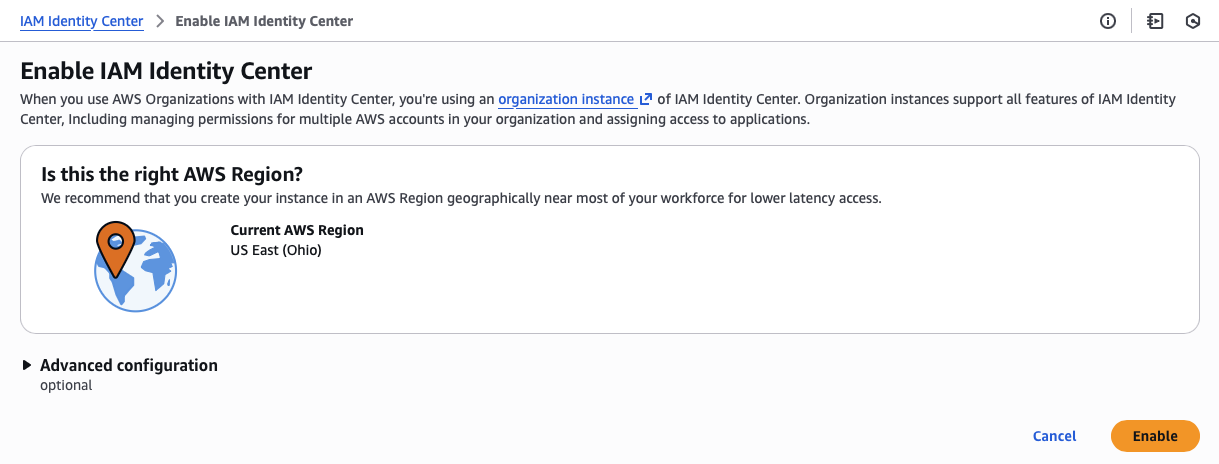
First, I need to create my administrator account with a verified email address before I can set up multi-factor authentication (MFA).
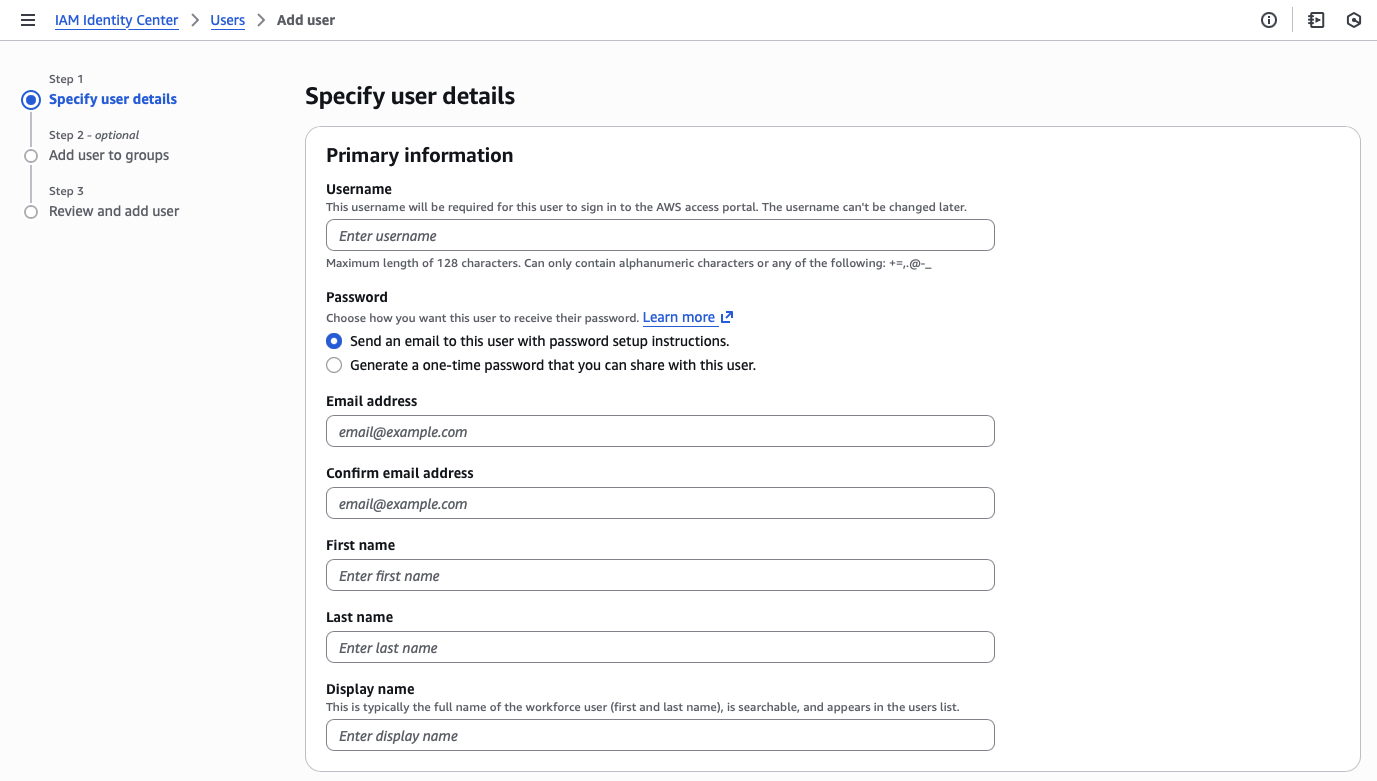
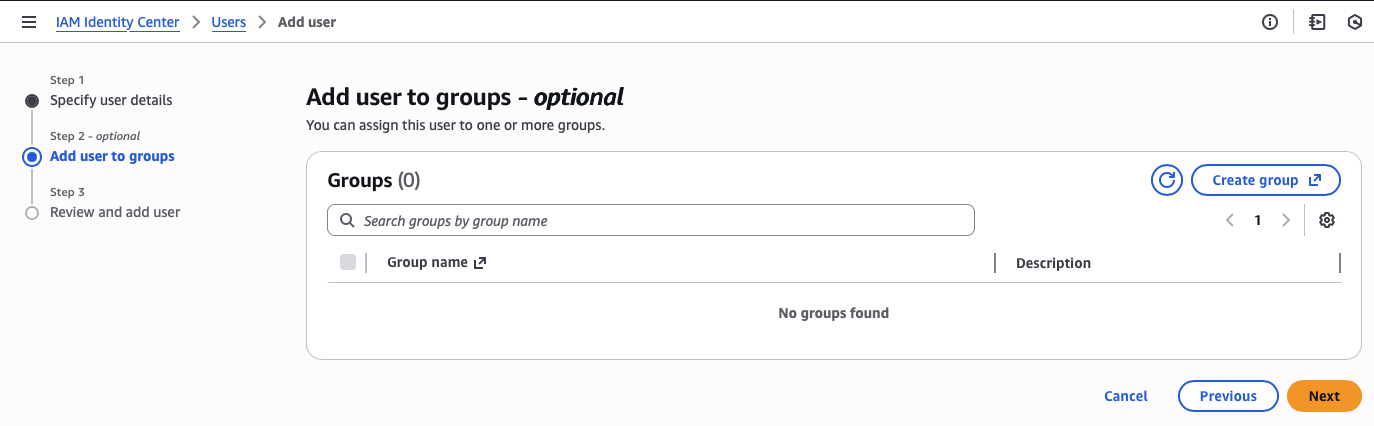
Second, I need to create an administrator permission set.
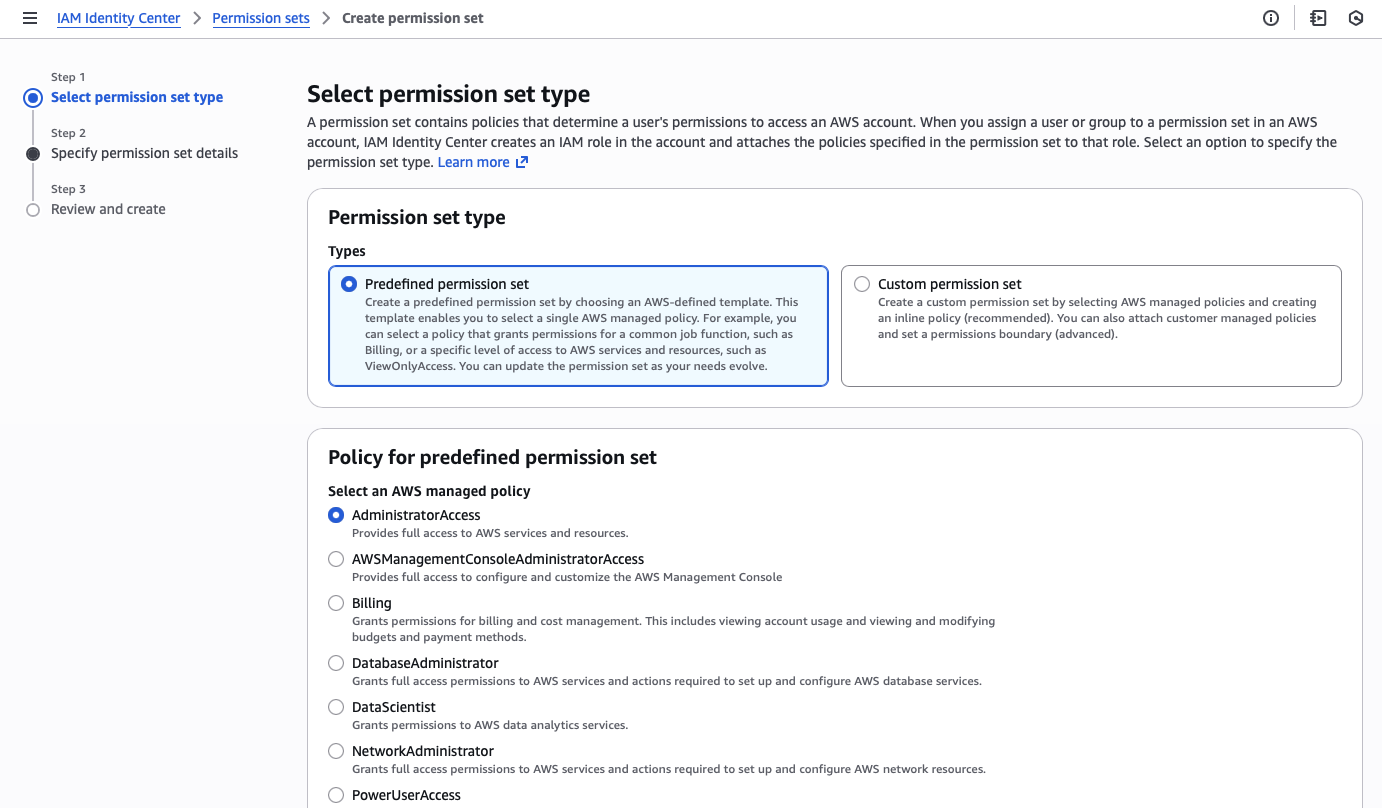
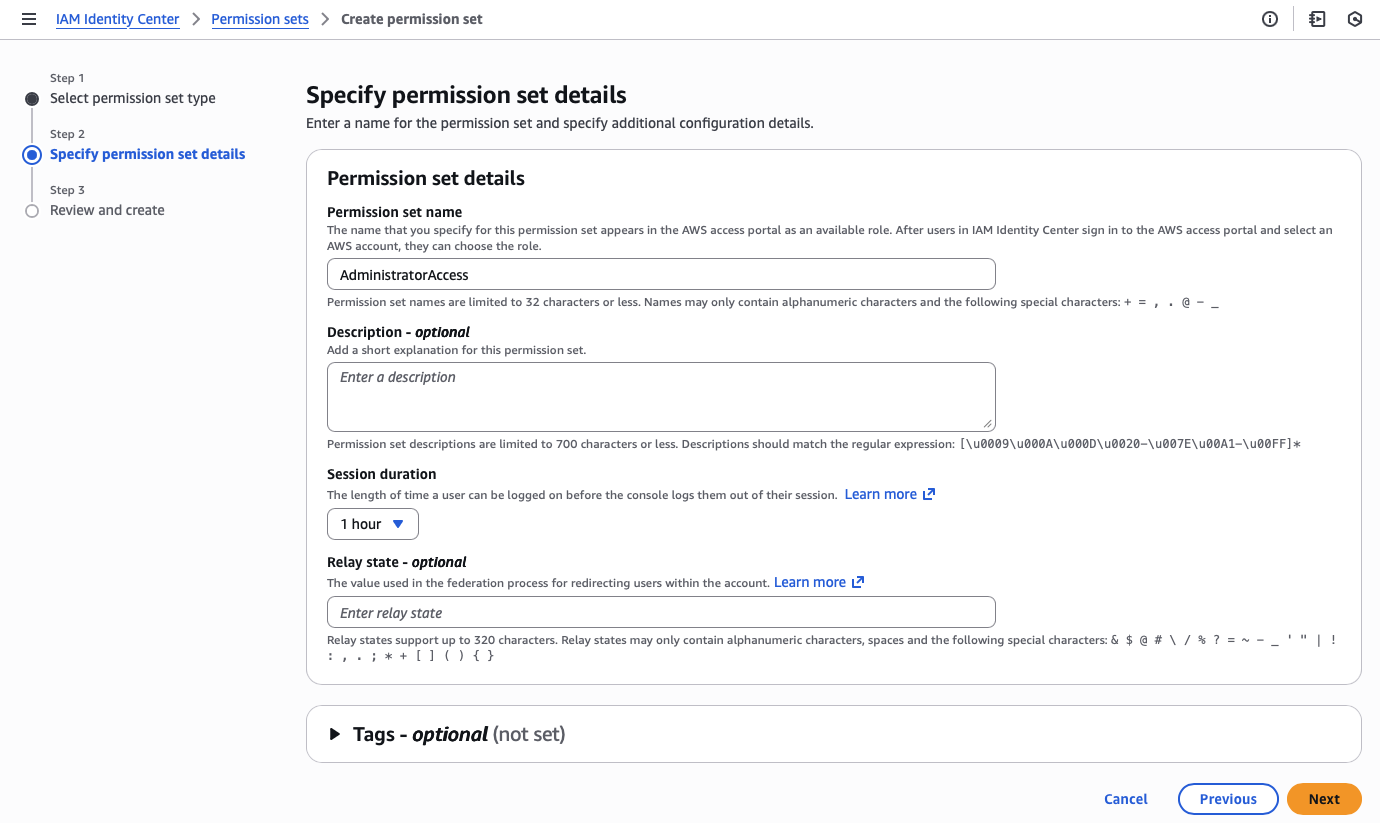
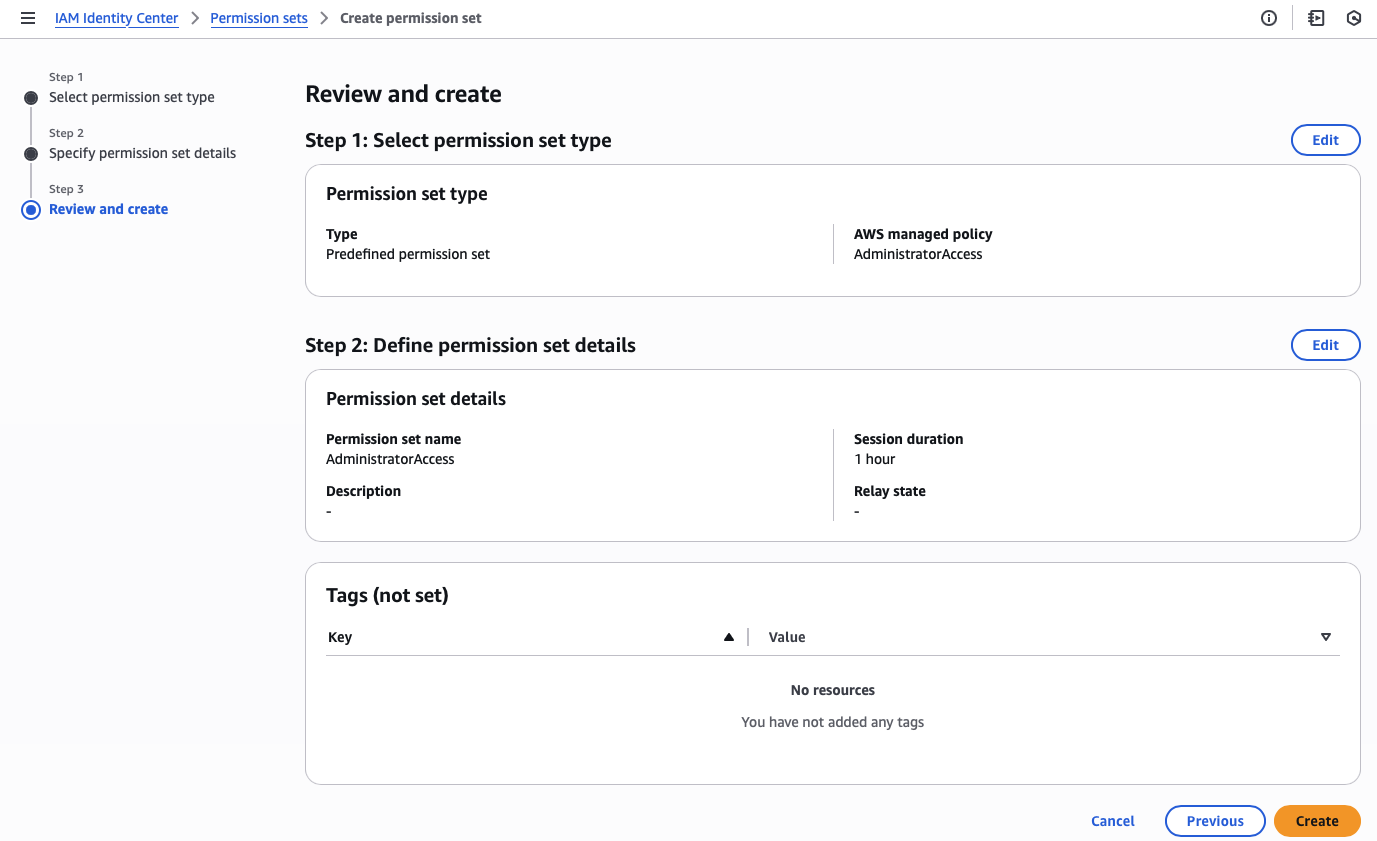
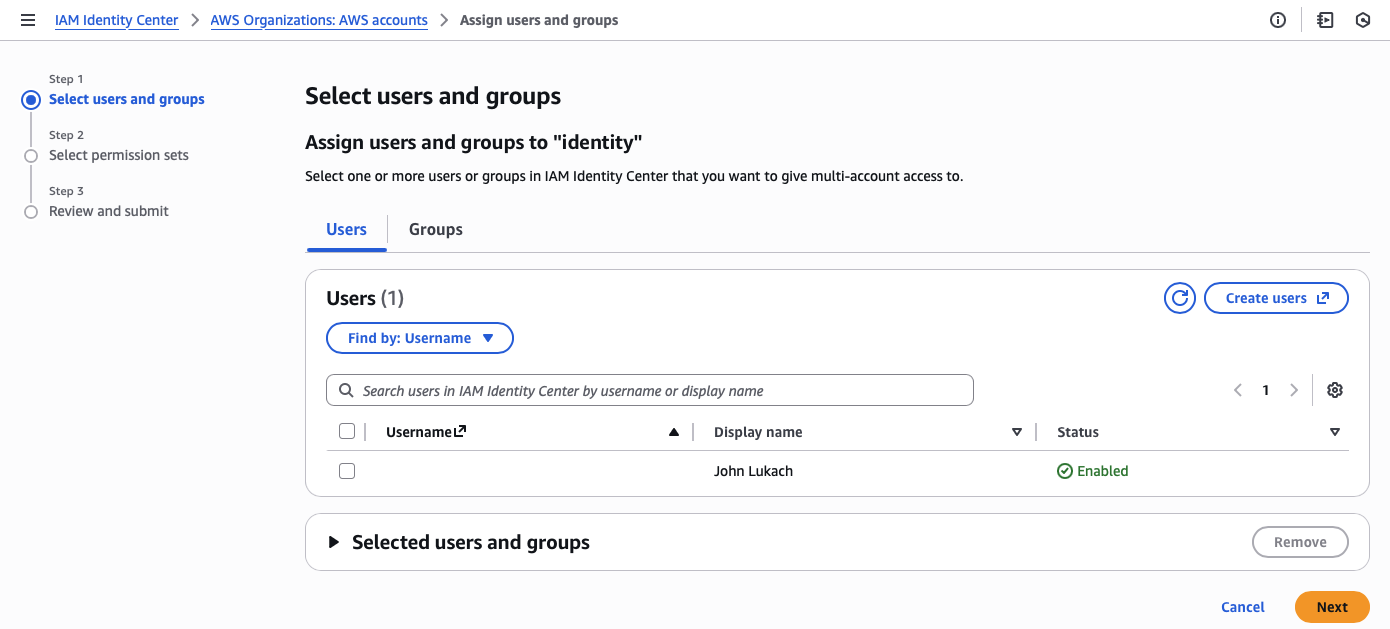
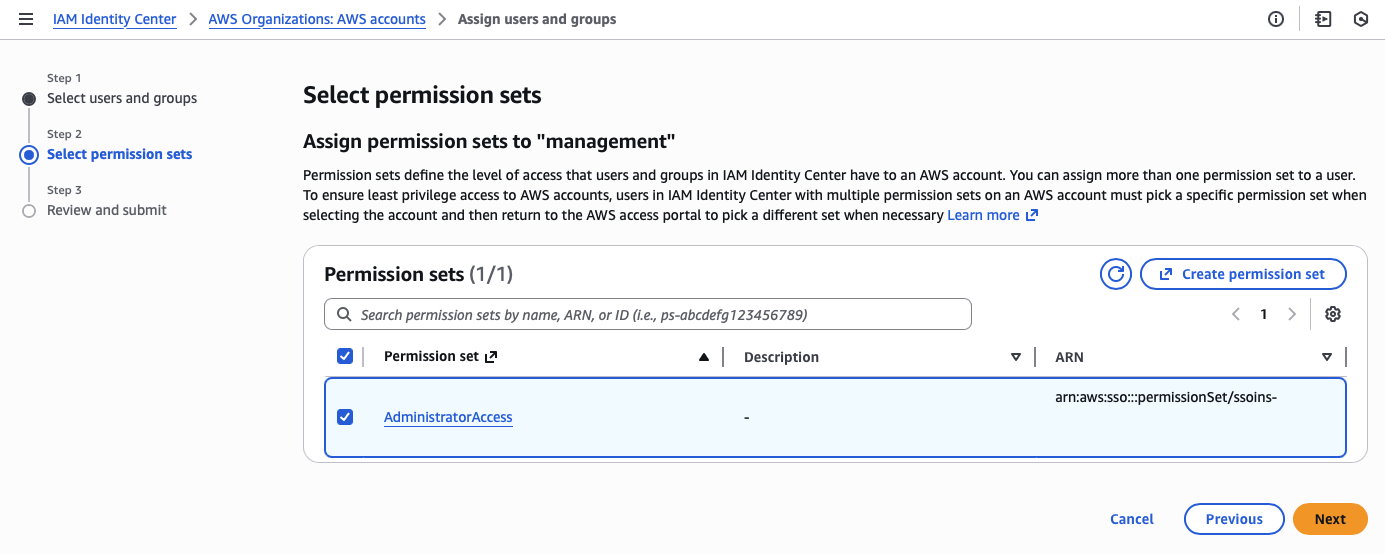
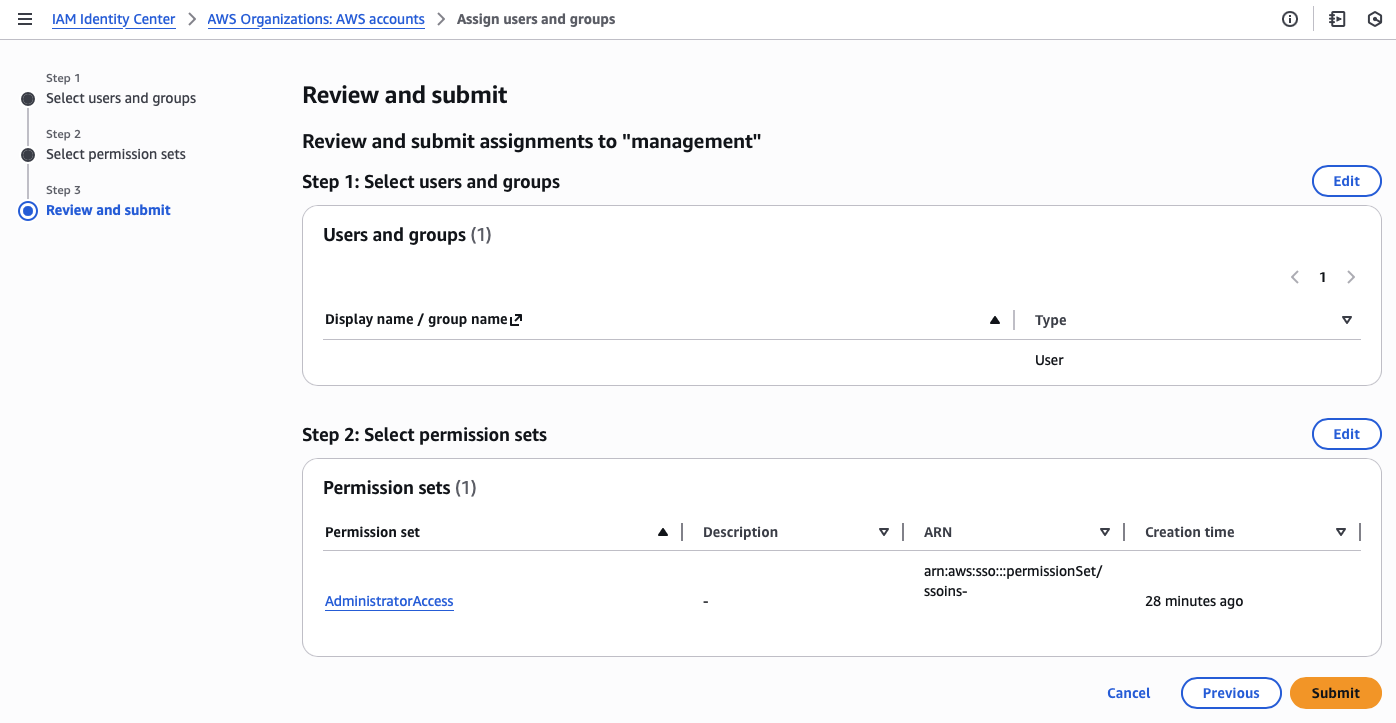
Third, I assign the administrator account and permission set to all accounts in the organization.
I can’t stress how important it is to assign your administrator permissions from the management account, as it protects the identity provider (IdP) from privilege escalations.
Next, I create an identity account to delegate the administration of the IAM Identity Center, eliminating the need for your IAM team to access the management account or deploy any resources. Changes to permissions setup in the management account are not allowed by the delegated administrator account.
Finally, I name the instance and set up a friendly AWS Access Portal URL that can only be changed with a support ticket.
Time to log out of the root user on the management account and access the new organization through the single sign-on portal.
tags: aws - iam - identity - center - sso